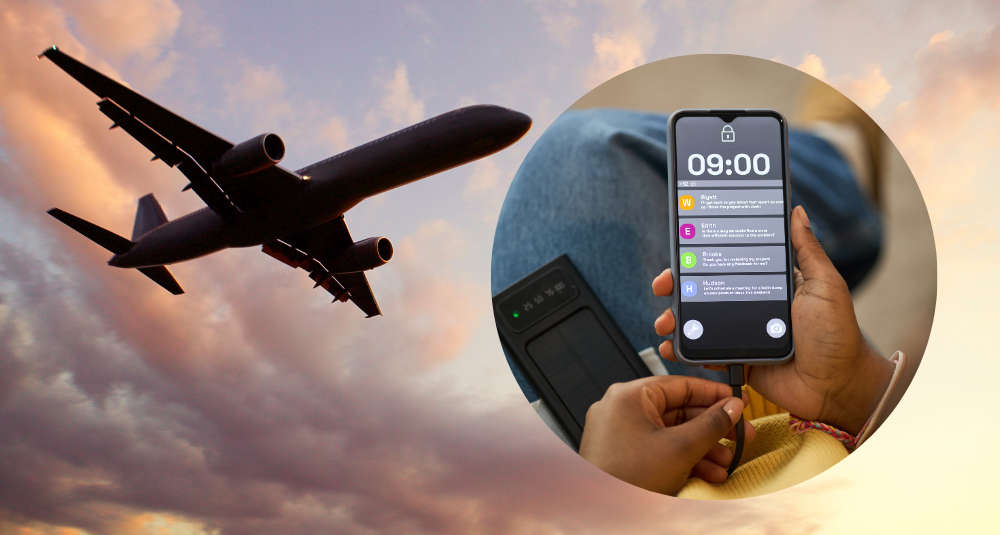

If your phone is covered in little red notification bubbles you never clear, Southwest Airlines wants to pay you for them.
The airline's new "Notification Vacation" promotion turns unread notifications into Rapid Rewards points. You screenshot your phone's home screen showing the badge counts on your apps, upload it, and Southwest gives you one point for every unread notification.
How it works
- On your phone, go to NotificationVacation.com and enter your Rapid Rewards number. Signing up for Rapid Rewards is free if you don't have an account yet.
- Take screenshots of your home screens that show the unread notification counts on your apps. The screenshots have to be new and from a phone you actually use.
- Upload them, and after Southwest verifies them, the points land in your account.
Everyone who qualifies gets at least 500 points, and you can earn up to 10,000. For another 500 points, take Southwest's Burnout Quiz at airplanemode.southwest.com. Do both and you could walk away with 10,500 points.
What can you do with the points?
According to TheStreet, 10,000 points can often cover a short one-way domestic flight. If you end up with fewer, Southwest lets you put as few as 1,000 points toward the cost of a ticket.
Don't wait
Southwest only gives out a set number of points each day, and once that day's share is claimed, entries get nothing until the next day. Travel on Points reports the page reopens at noon Eastern, so going early in the day is your best bet. The whole promotion ends at 6 a.m. Eastern on Monday, October 12, or sooner if the points run out.
The giveaway is part of Southwest's new "Enter Airplane Mode" campaign, which is all about stepping away from the constant pings. Which means this might be the only time ignoring your texts actually pays off.